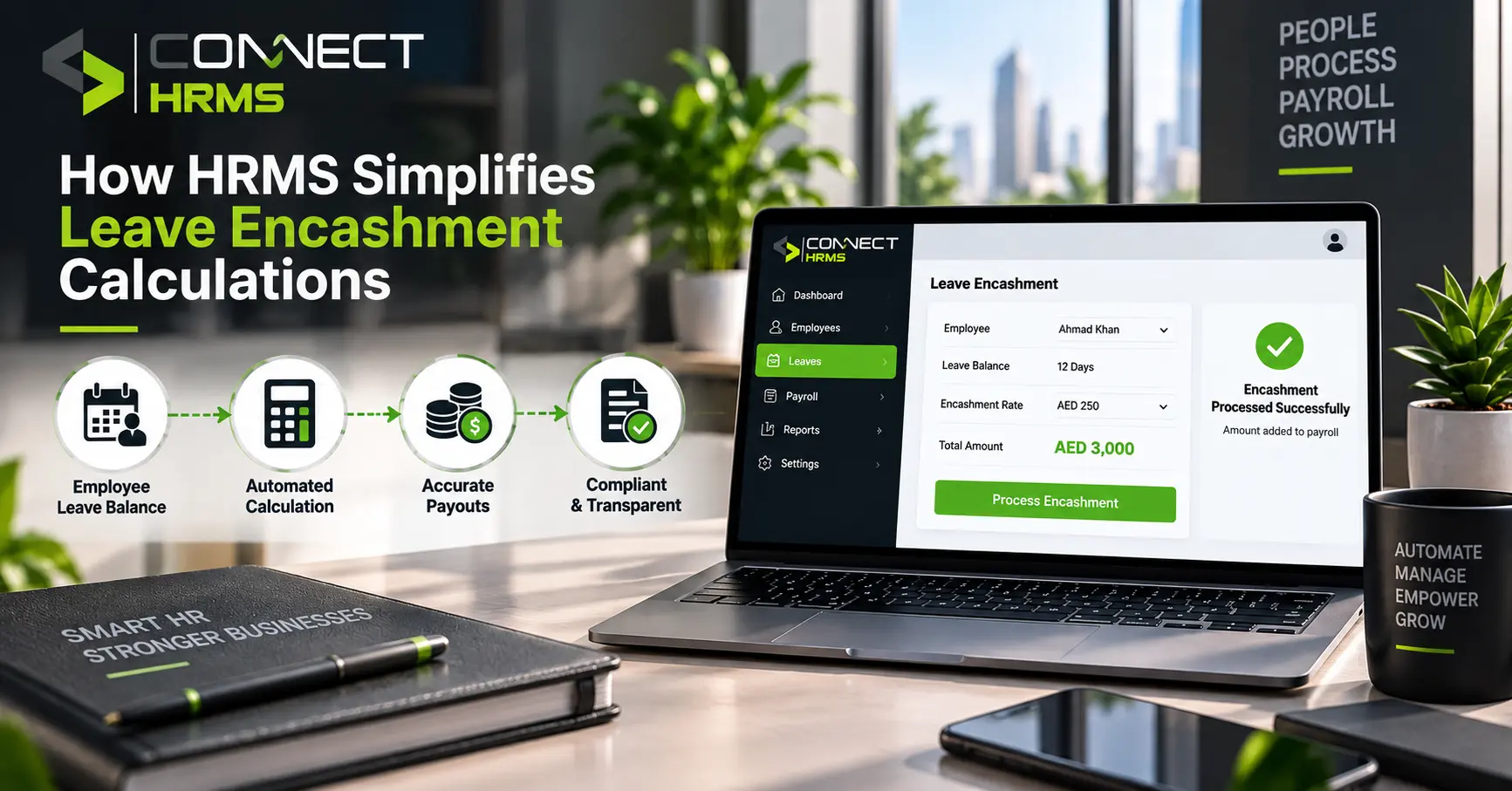
Ask any HR person who’s done leave encashment calculations by hand, and you’ll get the same reaction. A sigh, maybe an eye roll. It’s simply about pulling leave balances out of the spreadsheet, finding out what kind of leave qualifies for payment, matching it to the right salary component, and doing the calculations for each individual employee.
In summary, HRMS makes leave encashment much easier through the automation process of finding eligible leaves, applying company policies, doing calculations according to the set salaries, and sending the output directly to payroll. No spreadsheet juggling required. It handles leave balance tracking, company leave policies, salary-based math, approval routing, payroll integration, and the tax and compliance side too, all connected instead of scattered across five different files.
What is leave encashment, actually?
Simple version: employees build up unused eligible leave over time, and depending on company policy, they can convert some of that into cash instead of taking the days off.
A few things shape how it plays out. Which leave types actually qualify comes down to your company’s own policy, not a fixed rule. What the payout looks like depends on which salary components get factored in and how your organization structures things. And an HRMS keeps the leave balance and the calculation tied together, so nobody’s cross-referencing two separate systems to get one number right.
How does HRMS simplify leave encashment?
This is where the difference actually shows up day-to-day.
| Process | Manual Method | HRMS |
| Leave balance | Spreadsheets, manual checking | Real-time balance |
| Eligibility | Manual policy checking | Automated rules |
| Salary | Manual salary lookup | Salary data integration |
| Formula | Manual calculation | Automatic calculation |
| Approval | Emails, forms | Automated workflow |
| Payroll | Separate data entry | Payroll integration |
Key ways HRMS automates leave encashment
1. Tracks eligible leave automatically
The system pulls straight from an employee’s leave ledger to figure out what’s actually eligible, whether that’s earned leave, privilege leave, casual leave, or sick leave. Every organization sets its own rules here, carry-forward limits included, and the HRMS applies whatever’s configured rather than someone manually checking each case.
2. Applies the correct leave encashment formula
There’s a general leave encashment formula most systems reference, built around a few key variables: basic salary, dearness allowance, an applicable divisor, and the number of unused leave days being encashed.
Worth flagging, though, the exact divisor and rules genuinely differ by organization and policy, so there’s no single formula that applies everywhere. What an HRMS does well is apply your specific configured rules automatically, instead of leaving payroll staff to redo the math for every single employee by hand.
3. Updates leave balances automatically
The workflow runs something like this: leave balance, encashment approval, calculation, payout, updated leave ledger. All connected, nothing sitting in limbo waiting for someone to update a spreadsheet.
- Identifies eligible unused leave
- Calculates the payable amount
- Records the transaction
- Deducts the encashed days
- Updates the employee’s leave balance
4. Automates approval workflows
Instead of a request bouncing through five email threads, an HRMS routes leave encashment requests through your organization’s actual approval hierarchy.
What that gets you:
- Less back-and-forth over email
- Faster approvals overall
- Clear ownership at each step
- Better records once it’s done
- Easier tracking for HR without chasing anyone down
HRMS and tax or legal compliance
Tax treatment on leave encashment isn’t one-size-fits-all. It depends on circumstances like whether the payout happens during active service or at retirement or exit, and what exemptions or statutory deductions apply where the business operates.
As an example, India’s Section 10(10AA) sets a private-sector exemption cap of ₹3,00,000 on leave encashment at retirement. That’s specific to Indian tax law, though, not a universal rule, so businesses elsewhere need to check their own applicable regulations and organization-specific payroll rules rather than assuming the same numbers apply.
Want to see how this actually works inside a real system? Book a Connect HRMS demo call at +971 457 13703 or email info@connecthrms.com to get started.

Benefits of automating leave encashment
For HR teams
- Less manual calculation eating up the day
- Fewer data-entry errors
- Faster processing overall
- Centralized employee records instead of five separate files
For payroll teams
- Accurate salary information pulled automatically
- Calculations that just run themselves
- Easier payroll processing each cycle
- Fewer duplicate entries to clean up later
For employees
- Transparent leave balances they can actually check
- Easier requests, no chasing forms
- Faster approvals
- Clear payout records when it’s all done
Manual leave encashment vs HRMS: which is better?
| Factor | Manual Process | HRMS |
| Accuracy | More prone to human error | Automated |
| Speed | Time-consuming | Faster |
| Leave tracking | Manual | Real-time |
| Policy application | Manual | Rule-based |
| Payroll integration | Separate | Connected |
| Reporting | Spreadsheet-based | Centralized |
For a small team with two or three employees, manual might still work fine. Once you’re managing a larger workforce or juggling complex leave policies, though, HRMS becomes the more practical option simply because it cuts out so much repetitive manual work.
What should businesses look for in an HRMS?
- Automated leave balance tracking
- Configurable leave policies that actually match how your company works
- Built-in leave encashment calculation
- Salary structure integration
- Approval workflows that route properly
- Payroll integration, not a separate export-import process
- Employee self-service so people aren’t emailing HR for every small thing
- Audit trails and reports you can actually pull when needed
- Tax and statutory configuration options
Frequently asked questions
How will the leave encashment be calculated?
It generally comes down to basic salary, applicable allowances, a set divisor, and the number of unused eligible leave days, though the exact formula depends on your organization’s specific policy.
How to calculate 300 days leave encashment?
The same core formula applies regardless of the number of days, basic salary and relevant allowances divided by the applicable divisor, multiplied by the eligible leave days. Policy rules still determine what counts as eligible.
What are the new rules for leave encashment?
Rules vary by country and organization, and they do get updated periodically. It’s worth checking your local labor regulations and your company’s current leave policy rather than relying on outdated information.
What is the formula for calculating leave encashment at Capgemini?
Specific company formulas aren’t publicly standardized information, and they vary by organization policy. Employees should check directly with their HR or payroll team for exact calculation details.
Which leaves are eligible for encashment?
Typically earned leave and privilege leave, though this depends entirely on company policy. Casual leave and sick leave are often excluded, but every organization sets its own rules here.
How does HRMS calculate unused leave?
It pulls real-time data from the employee’s leave ledger, applies the organization’s configured eligibility rules, and calculates the payout automatically based on the relevant salary components.
Is leave encashment included in payroll?
Yes, once calculated and approved, an HRMS transfers the encashment amount directly into payroll processing, so it shows up in the employee’s payout without manual data entry.
What are the benefits of automating leave encashment?
Fewer errors, faster processing, real-time leave tracking, and less manual work for HR and payroll teams. Employees also get clearer visibility into their own balances and payout records.
Conclusion
The HRMS has made leave encashment easier because leave balance, company policy, salaries, approval, and payroll have all been integrated into one system. The manual calculations and searching for information in spreadsheets have now been replaced by automation, which can find eligible leaves and make the payment easier. The system also updates leave balances and pushes approved amounts straight into payroll, cutting down repetitive data entry. That said, the exact calculation and tax treatment still depend on your organization’s policies and local regulations. In cases where the company deals with more employees or complicated leave procedures, HRMS is by far a much better system for handling it.
Ready to simplify leave encashment for your team? Talk to Connect HRMS today. Call +971 457 13703 or email info@connecthrms.com to get started.