Picture the 1st of the month. Salary day. Someone from sales says his leave was cut by three days, HR says attendance shows otherwise, and the only person who knows the Excel formula is stuck in traffic. We’ve seen this scene more than once. It is also the moment many owners finally search for HR management software. If that’s you, this guide will save you some time. We’ll look at what the software does, what to check before paying for it, and which Pakistan and UAE rules it has to follow. Connect HRMS works with companies in both countries, so most of this comes from real HR headaches, not from a textbook.
What Is HR Management System Software?
HR management system software is basically one tool for all your people work. Attendance, leave, payroll, hiring and employee files sit together instead of in five sheets and a few WhatsApp groups.
Many systems add an employee self service portal on top. An employee opens it, sees his own payslip, applies for leave, and downloads a salary letter for the bank. HR never gets the message. That sounds small, but ask any HR officer how many of those messages arrive in a week.
Why Excel Sheets Stop Working
Excel works fine for ten people. Somewhere around fifty it starts cracking, usually in these places:
- Leave balance says 4 days, attendance says 7, and now two people are upset
- One person understands the payroll formulas, and she just resigned
- Overtime and late marks get argued about every single month
- The latest file is on somebody’s personal laptop at home
Then there’s load shedding. Power goes out while you’re halfway through payroll and, well, you know how that evening goes. UAE teams have a different worry. If the salary file isn’t right, WPS gets involved, and nobody wants that call.
Why HR Document Management Software Matters
HR document management software puts employee papers in one safe place. CNIC copies, Emirates IDs, passports, visas, offer letters, degree photocopies that someone scanned sideways. All of it, searchable.
The paper itself isn’t the real problem. Dates are. Nobody remembers when a visa or labour card ends until the day it has already ended, and then the employee can’t work and everyone is scrambling. A decent system gives you:
- One digital file per employee
- A reminder before an ID, visa or contract runs out
- Rules about who can open salary details (not everyone should)
- Quick search for the day an auditor asks for one paper right now
It also saves time when someone leaves. Experience letter, clearance form, final papers. A few clicks instead of half a day.
Cloud Based HR Management Software vs Old Systems
Cloud based HR management software simply runs on the internet. Open it in a browser or on your phone and you’re in. You don’t buy a server, and you don’t call an IT person when it hangs. Older desktop software is a different story, as the table shows.
| Point | Cloud Based | Old Desktop Software |
| Access | Any device with internet | One office computer |
| Setup | Quick, no server needed | Needs server and IT help |
| Updates | Done for you | Manual and often late |
| Backup | Automatic | Depends on your team |
| Branch or remote staff | Easy | Hard |
| Cost | Monthly or yearly plan | Big upfront payment |
The internet does drop, of course. That’s why the mobile app and the support team matter more than a long feature list.
What to Check Before Choosing the Best HR Management Software
Every vendor says they offer the best HR management software. Fair enough, they’re selling. You should check a few things on your own:
- Local rules: does it follow your country’s tax and payroll rules, or only generic ones?
- Ease of use: if your least techy employee can’t apply for leave in a minute, that’s a red flag
- Modules: attendance, leave, payroll, hiring, performance. Only pay for what you’ll really use
- Mobile app: managers approve things while travelling or sitting in a meeting
- Support: someone real, in your time zone, who answers
- Reports: headcount, absence and payroll cost without building a sheet first
- Data safety: who can see salaries, and whether changes get recorded
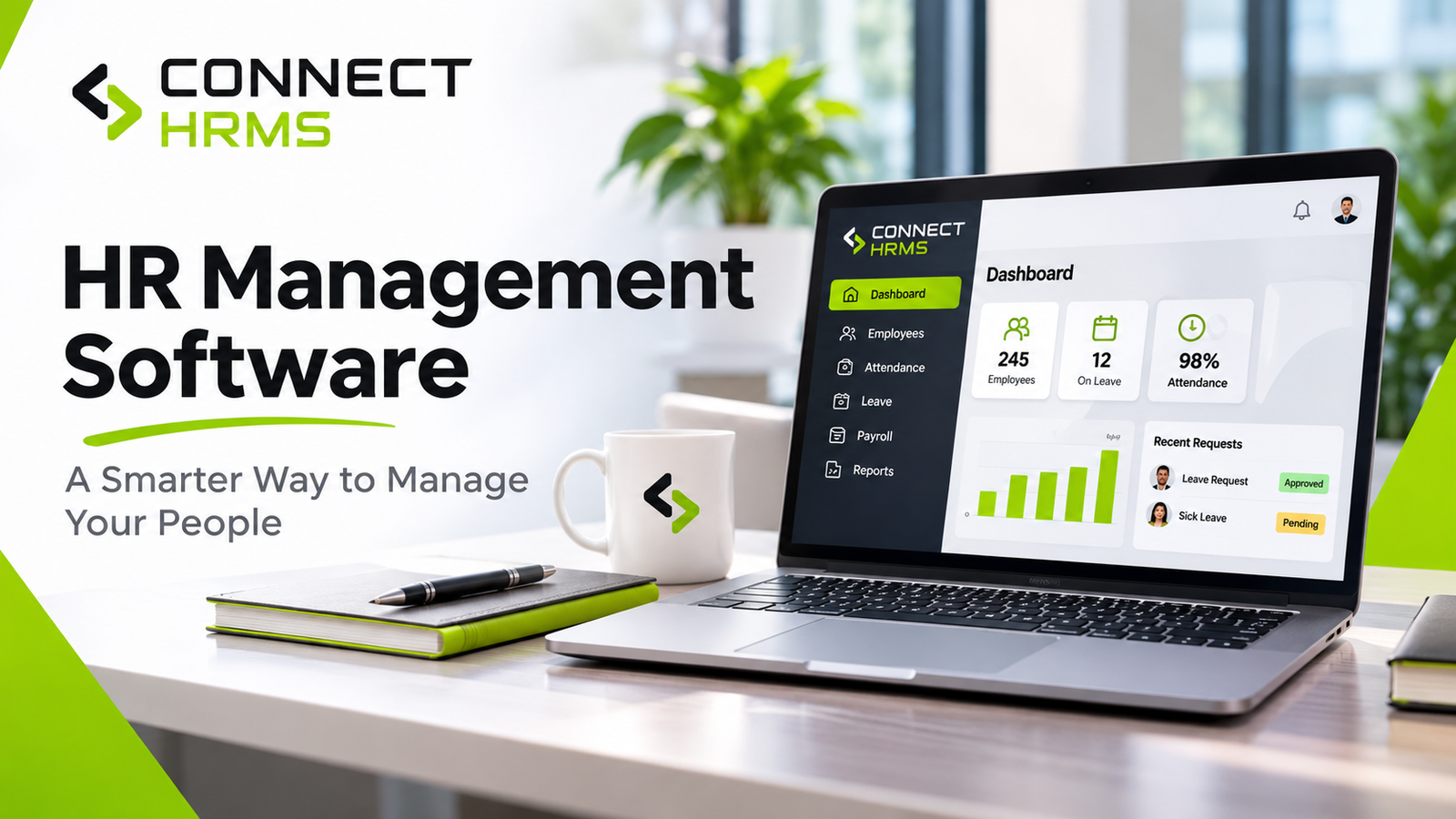
Connect HRMS covers attendance, leave, shifts, payroll, recruitment and employee self service in one cloud system, so you can compare it against this list. Ask for a demo with your own messy data too. Five minutes of real work beats any brochure.
Pakistan and UAE Rules Your Software Should Handle
| Area | Pakistan | UAE |
| Salary and tax | Tax deduction as per FBR | WPS salary file through bank |
| Social benefits | EOBI and provincial social security | End of service gratuity |
| Government body | FBR and EOBI | MoHRE |
| Staff papers | CNIC and contracts | Emirates ID, visa, labour card |
If you run an office in Lahore and another in Dubai, one system has to handle both sets of rules. Most guides skip this part, which is odd, because it’s where teams usually get stuck. Little things count too. Ramadan timings, Eid bonuses and shift changes should take a few clicks to set, not a fresh spreadsheet each year.
How to Start Without Stress
Moving everything in one week is how these projects die. Begin with attendance and leave, since those start the most arguments. Payroll can come next month, once your employee data is clean. Documents come last, though don’t forget them. Give the project to one person in HR and show every manager a quick demo. When people see leave approval takes two taps, the old sheet loses its fans pretty fast.
Mistakes to Avoid
- Choosing only on price and finding the missing features later
- No training, then blaming the software
- Moving messy data over without cleaning it
- Never asking who can open the salary files
Frequently Asked Questions
What is HR management software?
HR management software is one tool that handles attendance, leave, payroll and employee records together.
What is the difference between HR management system software and payroll software?
HR management system software covers everything about an employee from joining to leaving, while payroll software only deals with salary and deductions.
Why do I need HR document management software?
HR document management software keeps contracts and IDs safe, and it warns you before a visa or ID expires.
Is cloud based HR management software safe?
Yes, cloud based HR management software is safe if it has strong logins, role based access and regular backups.
How do I pick the best HR management software for a small business?
The best HR management software for a small business is the one your staff can use easily, that follows your local rules and has support you can reach.
Can one HR management software work in Pakistan and the UAE?
Yes, one HR management software can work in Pakistan and the UAE if it handles FBR and EOBI rules on one side and WPS and gratuity on the other.
How long does it take to start using HR software?
Most teams get going with HR software in a few weeks, mainly depending on how clean their employee data is.
Does HR software replace the HR team?
No, HR software won’t replace your HR team, it just takes the repetitive work off their desks.
Conclusion
Good HR management software should lighten your week, not hand you another job. Start with whatever hurts most right now, whether that’s late salaries, lost files or leave fights. Pick a system that fixes that first and follows your local rules. For most teams, a cloud based tool with HR document management and payroll under one roof is plenty. If you’d like to see it working, talk to the team at Connect HRMS. They work with companies in Pakistan and the UAE every day, and a short demo will tell you quickly if it fits. Call or email and ask anything.
Contact: +971 457 13703 | +92 300 1110365 | info@connecthrms.com